01 / Screen controls
Games begin in the embedded preview area. The Fullscreen button expands the game; Escape returns to the page. Menu position and screen settings can be adjusted in Game menu.
TAPTOVI / GAME MODE
Start inside the page. Open fullscreen when you want more room. Your game menu stays within reach.
Choose a browser game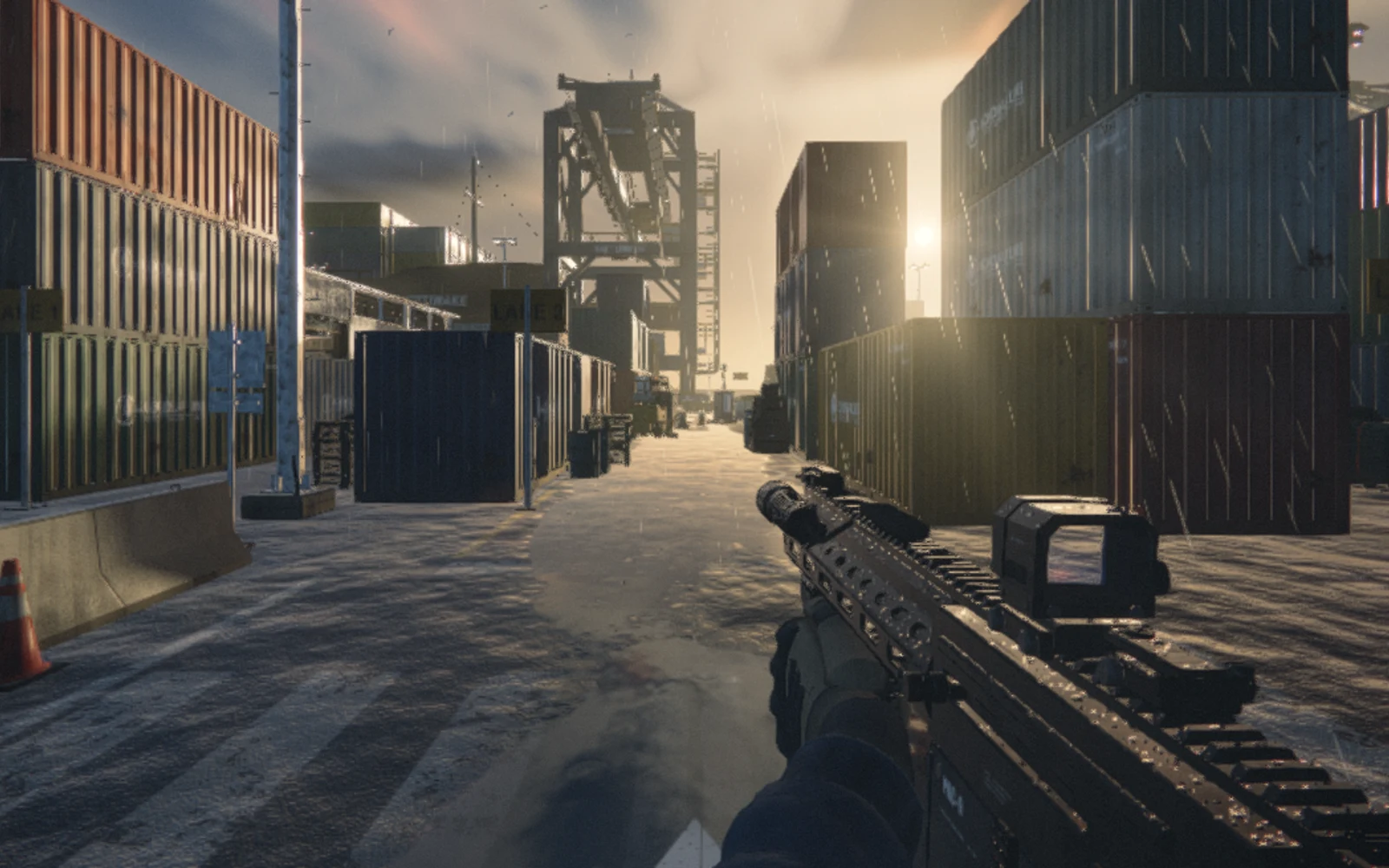
Games begin in the embedded preview area. The Fullscreen button expands the game; Escape returns to the page. Menu position and screen settings can be adjusted in Game menu.
Read controls, save favorites, switch to another game and manage sound or quality when supported by the game. Unsupported settings are not offered.
Supported games offer save export and import. Your shelf also shows local session counts and visible playing time; these statistics stay in this browser.
Open your shelfSome source previews still use their original controls. Opening the menu does not pause a game unless that game supports pause. Save support and device controls are shown on each game page.