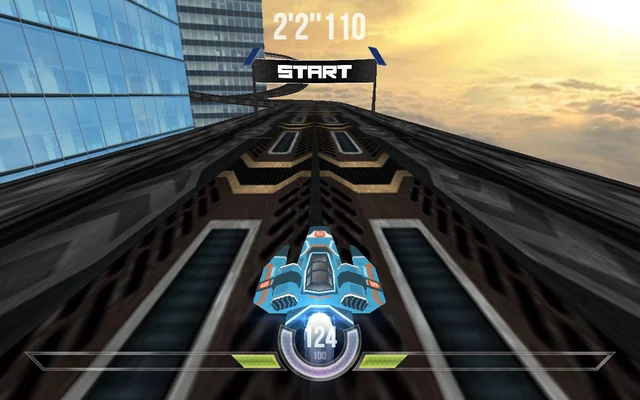
About HexGL
A futuristic WebGL time-trial racer on the Cityscape track. Pilot a hovering craft, accelerate through sweeping bends and avoid impacts that damage the ship. This classic technology demo is currently recommended for desktop keyboard play.
How to play
- Choose keyboard controls and a quality level, then select Start.
- Click the controls screen to load the track.
- Use the arrow keys to accelerate and steer; follow the on-screen controls.
Tips for your next attempt
- Start on low quality if the track feels slow to respond.
- Learn corners before chasing a fast lap.
Controls and saved progress
Available controls: Keyboard.
Use a computer with the controls listed above. Opening this page on a phone does not add touch controls to the game.
Taptovi portable saves are not available for this game. If the original game provides its own save or export, it is separate from Your shelf.
This version uses the original game interface. Taptovi’s unified pause and save controls are not connected.