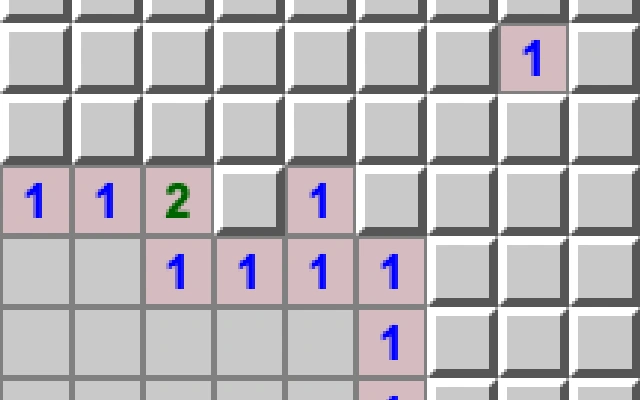
About Minesweeper
A classic minefield puzzle with three difficulty levels. Reveal safe squares and use neighbouring mine counts to decide what to open next.
How to play
- Tap or click a covered square to reveal it.
- On touch screens, switch to Flag mode, then tap to cycle flag / question / clear. Desktop users can also right-click.
- Use New Game to reset the board and return to Reveal mode.
Tips for your next attempt
- Numbers count mines in the eight surrounding squares.
- Start with Beginner on phones; larger boards scroll horizontally. Touch was simulated at320px and390px widths, not tested on a physical phone.
Controls and saved progress
Available controls: Mouse, Touch.
Touch input is provided by this game. Controls and performance can still vary across browsers and devices.
Taptovi portable saves are not available for this game. If the original game provides its own save or export, it is separate from Your shelf.
This version uses the original game interface. Taptovi’s unified pause and save controls are not connected.