About A Dark Room
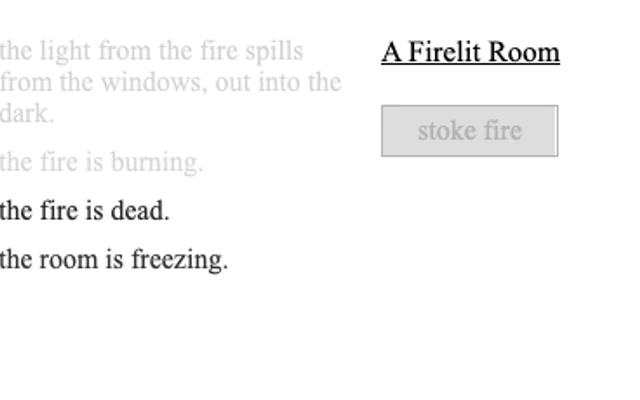
A minimalist text adventure beginning in a cold room. Tend the fire, read notices and gradually uncover new choices. Native save/export functions remain separate from Taptovi saves.
How to play
- Light the fire to begin.
- Read notices and use actions after their cooldowns finish.
- The original game menu includes language and export options.
Tips for your next attempt
- Progress unfolds over time. Not every action is available immediately.
- Desktop is recommended while the narrow-screen layout is reviewed.
Controls and saved progress
Available controls: Mouse.
Use a computer with the controls listed above. Opening this page on a phone does not add touch controls to the game.
Taptovi portable saves are not available for this game. If the original game provides its own save or export, it is separate from Your shelf.
This version uses the original game interface. Taptovi’s unified pause and save controls are not connected.