About Neon Pong
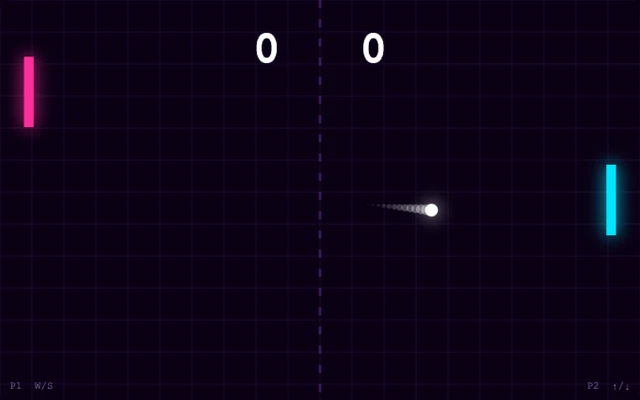
A neon paddle game with a bot opponent or two players sharing a keyboard. Return the ball and try to get it past the other paddle. Two-player mode is local, not online multiplayer.
How to play
- Choose one player versus bot or two local players.
- Player 1 uses W/S; Player 2 uses Up/Down.
- Pause and Menu controls are inside the game.
Tips for your next attempt
- Watch the angle of the approaching ball.
- Touch paddle controls are not available in this version.
Controls and saved progress
Available controls: Keyboard.
Use a computer with the controls listed above. Opening this page on a phone does not add touch controls to the game.
Taptovi portable saves are not available for this game. If the original game provides its own save or export, it is separate from Your shelf.
This version uses the original game interface. Taptovi’s unified pause and save controls are not connected.